I Trained 50+ Teachers on AI in One Semester — Here's What Worked
Most AI training fails because it starts with tools instead of problems. Here's the framework that got skeptical teachers actually using AI in their classrooms.
December 14, 2025
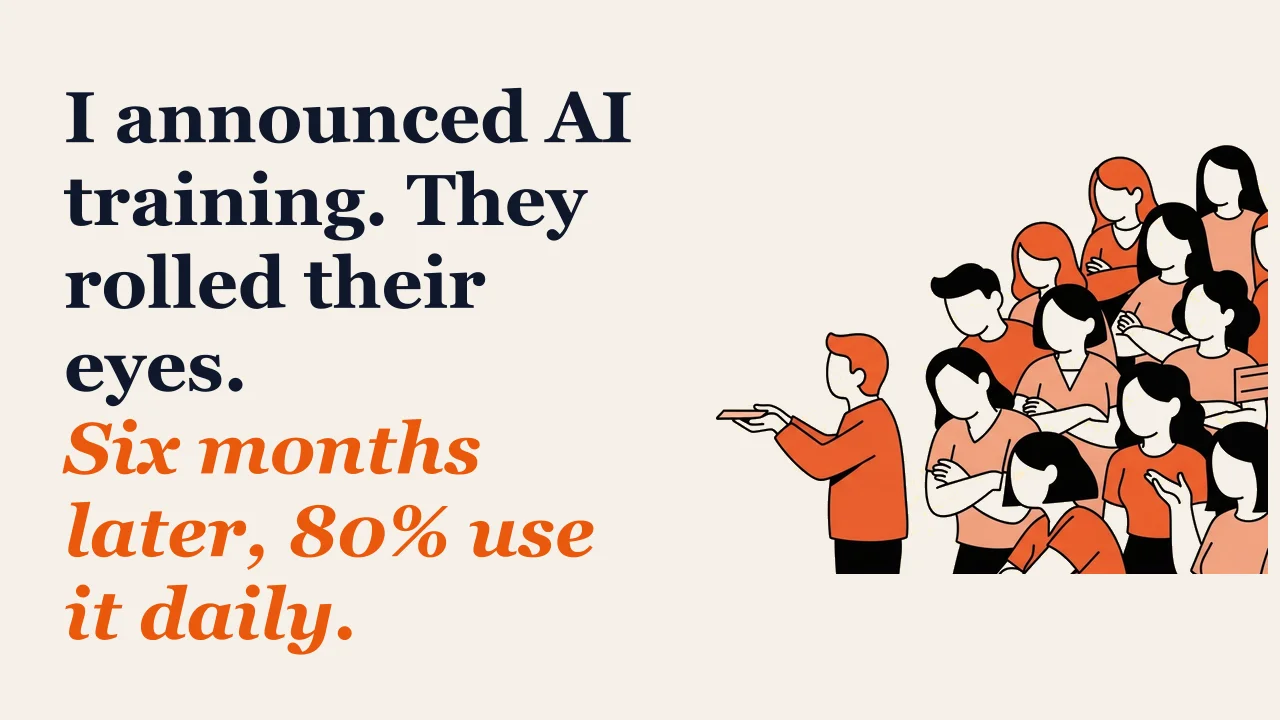
When I announced we were doing AI training for all staff, I saw the eye rolls.
Teachers had been through “technology initiatives” before. They’d sat through PD sessions on tools they never used again. They were skeptical — and honestly, they had good reason to be.
Six months later, over 80% of our teachers were using AI regularly. Not because I mandated it. Because they found it useful.
Here’s what worked.
Why Most AI Training Fails
Before I share what worked, let me explain what doesn’t.
The Tool Demo Approach
Most AI training looks like this: someone demonstrates a tool. “Look what ChatGPT can do! Look at this cool feature!” Teachers nod politely. Training ends. Nobody uses the tool.
This fails because it starts with the solution instead of the problem. Teachers don’t need more tools. They need solutions to specific problems they already have.
The Mandated Usage Approach
Some schools require teachers to use AI in specific ways. “Everyone must use AI to generate one assignment per unit.”
This creates compliance, not adoption. Teachers do the minimum to check the box. They don’t explore or expand because the motivation is external.
The One-and-Done Approach
A single PD session, no matter how good, doesn’t create lasting change. People forget. They get busy. The initial enthusiasm fades.
Real adoption requires ongoing support, not a one-time event.
The Framework That Worked
Here’s the approach that got our teachers actually using AI:
Phase 1: Start With Pain, Not Possibility
Instead of demonstrating what AI can do, I started by asking teachers what was eating their time.
I sent a simple survey: “What administrative task do you wish someone would do for you?”
The answers were predictable:
- Writing report card comments
- Creating differentiated materials
- Responding to parent emails
- Making rubrics
- Lesson planning documentation
These became our training focus. Not “AI capabilities” but “solving problems you already have.”
Phase 2: Show, Don’t Tell
For each pain point, I created a live demonstration. Not a polished presentation — a messy, real-time demo.
For report card comments, I pulled up an actual student (anonymized), showed their grades and notes, and generated a draft comment in front of everyone. Then I edited it to match the teacher’s voice.
Total time: 3 minutes.
Teachers could see exactly how it would work in their context. The abstract became concrete.
I use the same approach for parent emails — see How I Use Claude to Draft 20 Parent Emails in 15 Minutes for the specific workflow.
Phase 3: Practice Before They Leave
This was crucial. Before any training session ended, every teacher had to complete one real task using AI.
Not a practice exercise. A real task from their actual work.
If we were training on parent emails, they opened a real parent email and drafted a response. If we were training on rubrics, they created a rubric for an upcoming assignment.
This accomplished two things:
- They left with immediate value — something done that would have taken time later
- They experienced success, which builds confidence for independent use
Phase 4: Office Hours, Not Workshops
After the initial training, I held weekly “AI Office Hours.” No agenda. Just show up with whatever you’re working on.
Teachers brought real problems:
- “I’m trying to differentiate this text for my struggling readers”
- “How do I get it to match my voice better?”
- “Can it help me with IEP documentation?”
We solved problems together. Each solution spread to others with similar challenges.
These office hours mattered more than the formal training. They provided just-in-time support when teachers were actually trying to use the tools.
Phase 5: Create Internal Champions
I identified early adopters — teachers who got excited and started experimenting on their own — and gave them visibility.
They shared what they were doing in staff meetings. Not me presenting; them presenting. Peer credibility is more powerful than administrator endorsement.
When teachers saw colleagues they respected using AI effectively, it normalized adoption.
What I Trained On
Not everything at once. We focused on high-impact, low-risk applications first:
Tier 1: Administrative Tasks (First Month)
- Report card comments
- Email drafts
- Rubric creation
- Meeting notes and summaries
These are low-risk because they don’t touch instruction directly. Mistakes are easily caught and fixed. And they save significant time.
Tier 2: Instructional Support (Months 2-3)
- Differentiated reading materials
- Practice problem generation
- Discussion question creation
- Lesson plan drafting
These touch instruction but still position the teacher as editor and decision-maker. AI drafts; teacher refines.
Tier 3: Student-Facing Applications (Months 4-6)
- Feedback on student writing
- Study guides and review materials
- Explanation of complex concepts in multiple ways
These require more sophistication because they affect students directly. We introduced them only after teachers were comfortable with the earlier tiers.
The Prompts That Worked
I created a “prompt library” for common tasks. Teachers didn’t have to figure out how to ask AI for things — they had templates.
Examples:
Report Card Comment:
Write a report card comment for a [grade] student in [subject]. Their strengths are: [list]. Areas for growth: [list]. Keep it to 3-4 sentences, warm but honest tone.
Parent Email Response:
Draft a response to this parent email: [paste email]. Acknowledge their concern, explain our perspective, and suggest next steps. Professional and warm tone.
Differentiated Text:
Rewrite this passage at a [grade] reading level. Maintain the key concepts but simplify vocabulary and sentence structure. [paste passage]
Having templates lowered the barrier dramatically. Teachers could start using AI immediately without mastering prompt engineering.
The Resistance I Encountered
Not everyone was enthusiastic. Here’s how I handled common objections:
“This will make teachers lazy”
My response: “AI handles the first draft. You still have to read, edit, and approve everything. It’s not doing your job — it’s doing the tedious part so you can focus on the important part.”
Most teachers found they actually thought more carefully when editing AI drafts than when writing from scratch while tired.
“This is cheating”
My response: “Using a calculator isn’t cheating at math. Using spell-check isn’t cheating at writing. AI is a tool. What matters is the final product and the learning that happened.”
I also pointed out that students are using AI whether we like it or not. Better to model thoughtful use than pretend it doesn’t exist.
“I don’t have time to learn this”
My response: “You don’t have time not to. Spend 30 minutes learning this, save 30 minutes every week forever. The math works.”
I also made the training sessions during existing PD time, not additional time.
“It doesn’t sound like me”
My response: “It won’t sound like you until you teach it to. Save examples of your writing. Use them as models. Edit everything. Over time, you’ll get better at prompting and it’ll get closer to your voice.”
This objection actually decreased as teachers practiced. They learned to shape the output.
What I’d Do Differently
Looking back, a few things I’d change:
Start smaller. I tried to train everyone at once. I should have started with a pilot group of eager adopters, refined the approach, then expanded.
More follow-up. Even with office hours, some teachers fell off after initial training. I needed more structured check-ins.
Better documentation. I had a prompt library, but I should have created a fuller resource with examples, FAQs, and troubleshooting guides. This is part of what I’m building in the No-Admin Second Brain Guide.
Student training earlier. I focused on teachers first, but students also needed guidance on using AI appropriately. I added this later and wish I’d done it in parallel.
The Results
After one semester:
- 80%+ of teachers using AI at least weekly
- Average of 3-5 hours saved per week per teacher (self-reported)
- Report card season completed in half the usual time
- Teacher satisfaction with administrative workload improved
More importantly, the culture shifted. AI went from “that thing the tech people talk about” to “something we just use.”
The Bigger Lesson
This training worked not because AI is magical, but because we treated it like any other change initiative:
- Start with real problems
- Show concrete solutions
- Provide hands-on practice
- Offer ongoing support
- Build internal champions
- Be patient
AI is just a tool. The training principles are timeless.
If you’re trying to bring AI training to your school and want help designing an approach that actually gets adoption, let’s talk. This is one of the most common challenges I work on with school leaders.

Want help building systems like this?
We help school leaders automate the chaos and get their time back.